
How to Set Up a Crypto Wallet for Online Casino Play
A crypto wallet stores your private keys. Setting one up requires understanding security tradeoffs between convenience and safety.
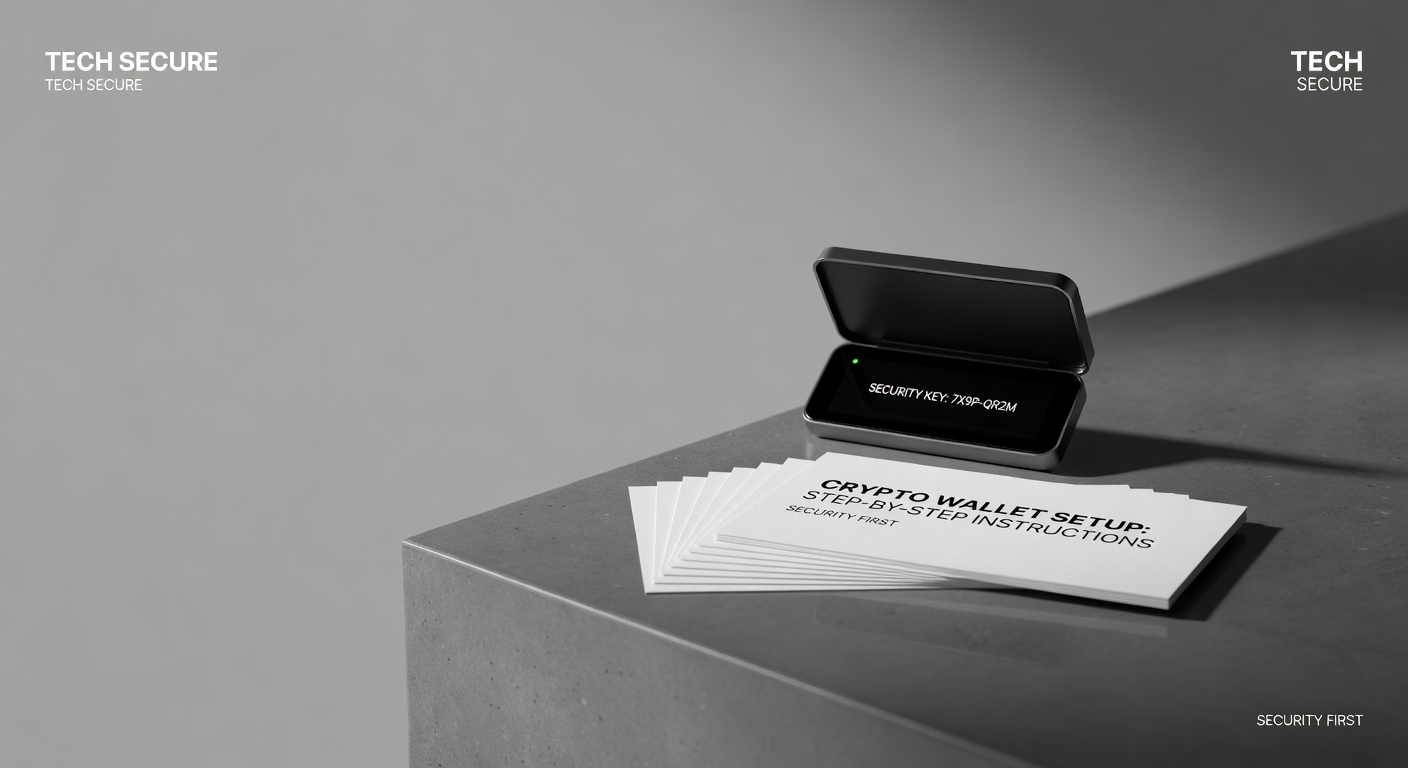
A crypto wallet is a container for your private keys. Your private key is your money. If someone gets your private key, they take your funds. If you lose your private key, your funds are gone forever. The stakes are not hypothetical.
Three wallet types exist: software wallets (hot wallets), hardware wallets (cold wallets), and exchange wallets (custodial wallets). Each offers different security tradeoffs.
Software Wallets
Software wallets like Metamask run on your phone or computer. You control your private keys. You access them whenever you want. The tradeoff: your device can be hacked. If your device is compromised, your wallet is compromised.
For casino play, software wallets are standard. You install Metamask, create a wallet, fund it from an exchange, then connect to the casino. Transactions are fast and straightforward.
Hardware Wallets
Hardware wallets like Ledger or Trezor store private keys offline on a physical device. Your keys are never exposed to the internet. The tradeoff: hardware wallets are slow for frequent transactions. You need physical access to the device to approve transactions.
For serious traders, hardware wallets are essential. For casual casino players who move money infrequently, they are overkill.
Exchange Wallets
Exchange wallets like Coinbase Wallet are run and controlled by the exchange. The exchange holds your private keys. The tradeoff: you gain convenience but forfeit control. If the exchange is hacked, your funds are at risk.
For casino play, avoid exchange wallets. Use software wallets where you control the keys.
Setting Up Metamask Step By Step
- Navigate to metamask.io. Download for your browser.
- Create a new wallet. Metamask generates a seed phrase (12-24 words). Write this down physically and store it securely. This is your only recovery mechanism if you lose your device.
- Set a password. Do not reuse passwords from other sites.
- Go to a cryptocurrency exchange (Coinbase, Kraken, Gemini). Create an account. Verify your identity. Fund your exchange account with dollars.
- Buy USDC or USDT on the exchange. Transfer these funds to your Metamask wallet address.
- Go to the casino. Select Metamask as your payment method. Approve the transaction on your device.
Security Best Practices
Do not store your seed phrase digitally. Write it on paper. Store the paper in a secure location (safe, safety deposit box). Never take photos of your seed phrase and store them on devices.
Do not reuse passwords. Each wallet and exchange account should have a unique, complex password.
Do not click links from emails claiming to verify your wallet. These are phishing attacks. Go directly to websites manually instead.
Do not give anyone your seed phrase under any circumstances. Not the casino support. Not friends. Not family. Nobody needs it.
Gas Fees And Network Considerations
Moving funds to your wallet costs gas fees (transaction fees). On Ethereum mainnet, gas fees can be $5-20 depending on network congestion. On Polygon network, gas fees are $0.01-0.05. Consider using Polygon or other Layer 2 solutions to save significantly on fees.
The Practical Reality
A software wallet like Metamask is sufficient for most players. The security risk is real but manageable if you follow best practices (do not click suspicious links, do not share your seed phrase, use unique passwords, do not store seed phrases digitally).
If you are nervous about security, start with small amounts until you understand the system. Security knowledge comes from experience and careful practice.
Markets in this line
Keep reading
Same market
 Sports BettingPlayer Prop Line Movement: News Clocks and Injury Tags
 GuidesNo Vig Fair Odds Calculator: Three Methods, Worked Through
 GuidesUnderstanding Slot Variance: A Player's Guide
 GuidesWhat to Do When Your Casino Withdrawal Fails: A Long Look at a Small Problem
 GuidesMMA Style Matchups: What The Numbers Miss
 Crypto GamblingDecentralized Poker: The Mechanism Problem